A small Google Sheets add-on that turns selected ranges into clean PDF reports and sends them to a list of recipients with one click - with smart duplicate prevention, retry logic for rate limits, and a full log of every send.
Recurring report distribution - the kind every ops team does - eats hours and is one of the easiest things to mess up.
Open each tab, export to PDF, save to Drive with the right name, draft an email, attach all the PDFs, type the same body, send to each recipient one at a time. Hope nothing was missed.
The configuration sheet defines what gets exported, in which orientation, to whom, with what subject and body. Click "Send Email." The script does the rest and logs every send.
No technical knowledge needed to follow this, every box is a thing happening in the background, automatically.
List the sheets, ranges, recipients, subject, and body in one place.
One menu click triggers the script. No code, no setup window.
Each range is exported to PDF and saved to a dedicated Drive folder.
Each recipient gets the same email with all the PDFs attached.
Timestamp, PDF name, link, recipient, status - all recorded automatically.
A 90-second clip showing the full cycle - configure, click, send, log.
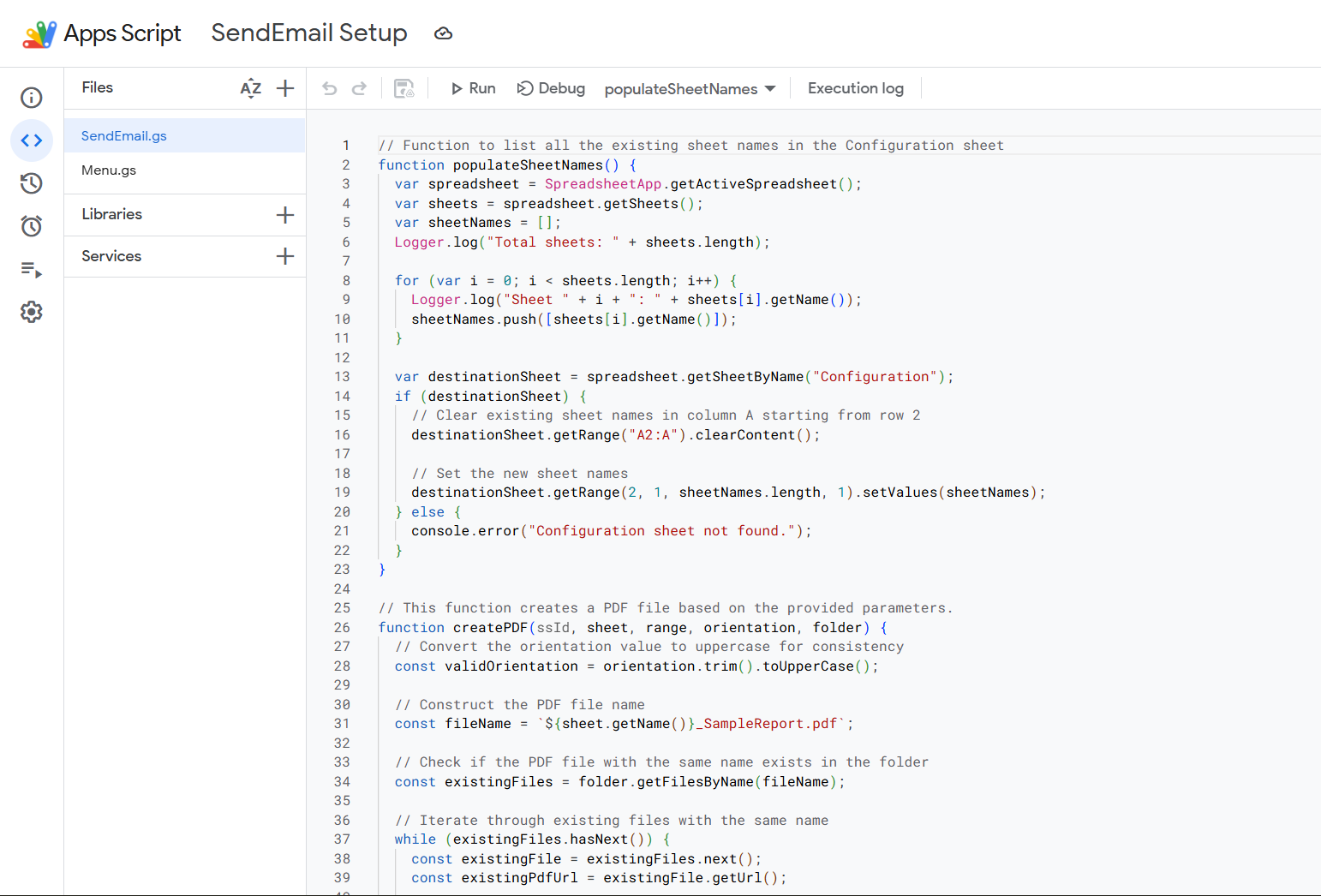
For the technically curious: here's what's actually wired up behind the scenes.
Pulls every row's sheet name, range, orientation, recipient, subject, body, and sender.
Builds the Google Sheets export URL with the right page settings - portrait or landscape, fitted to the range.
Compares a hash of the new file against any existing PDF with the same name. Identical files don't get re-saved.
Creates (or finds) a Drive folder named "Sent PDF Files" so reports never get lost in the root.
Uses GmailApp with the sender name from the config - so the recipient sees "MARIA," not the script owner.
If Gmail returns a 429, the script waits and retries up to 10 times with exponential backoff.
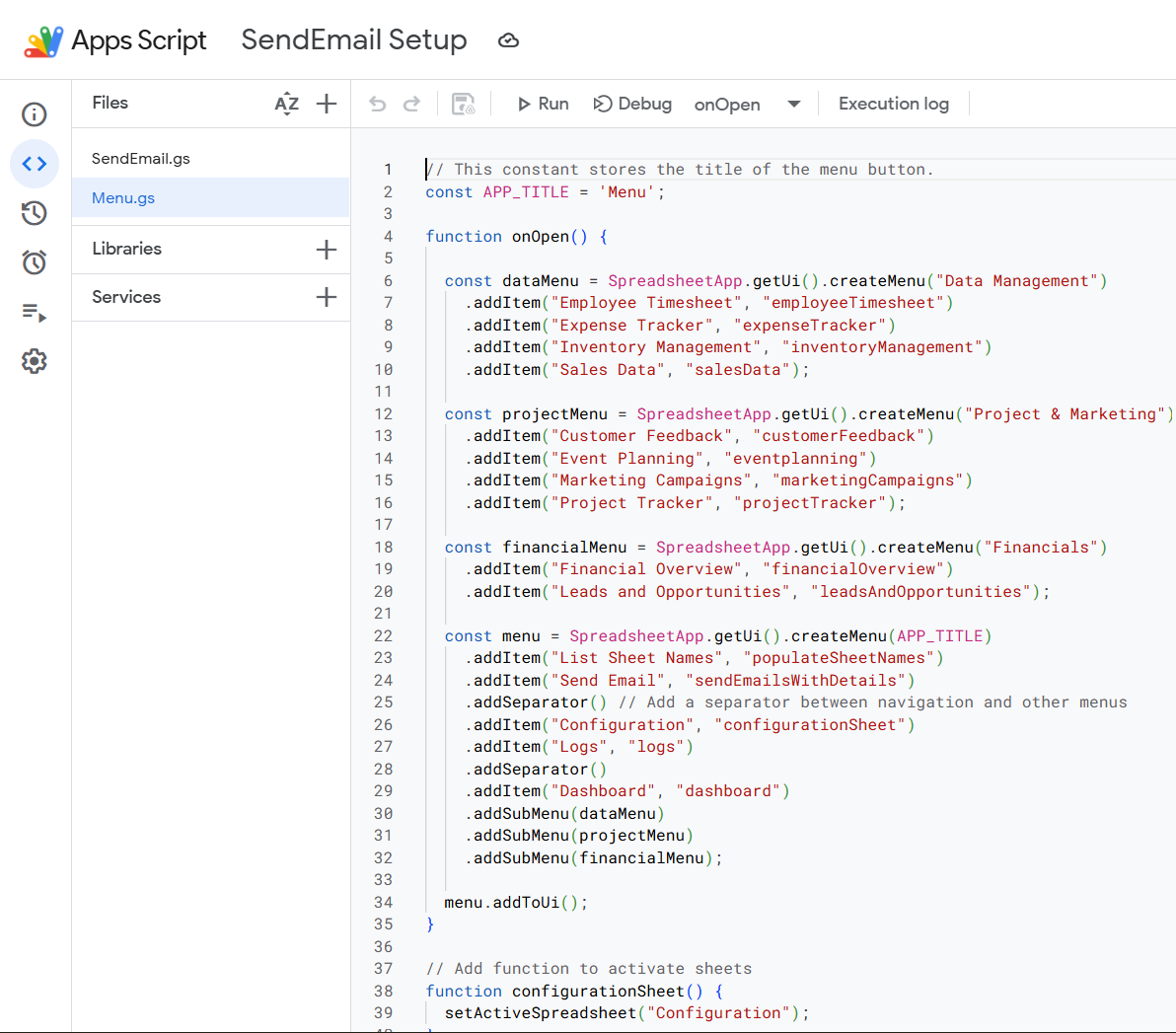
An onOpen trigger adds a custom "Menu" to the Sheets toolbar every time the file is opened.
One click auto-populates the Configuration sheet with every tab in the file - no manual typing.
Each menu item activates a specific tab - no scrolling through twenty tabs to find one.
The same menu has the "Send Email" button that kicks off the engine.
No code to edit when something changes. Add a row, change a recipient, swap a range - that's it.
A1:J39)Replaces a multi-tab, multi-export, multi-attach process.
Add as many rows to the config as you need - the script scales with it.
Hash comparison stops identical files from being re-saved.
Every send is logged with timestamp, link, recipient, and status.
No external services. No subscriptions. Native Google stack only.
I build small, reliable automations that quietly take a workload off your team's plate. Open to client work and full-time roles.
Get in touch →