How to Set Up WordPress for Free on Your Own Computer (LocalWP)
You do not need a website, a domain, or any subscription to start working with WordPress. A free desktop app called LocalWP runs a complete WordPress site on your own computer. It is perfect if you are practicing your designs, building a site before paying for hosting, or just want to explore WordPress without spending anything.
Prefer to skip the local setup and build directly online? Start with WordPress.com for free. No installation required.
Who this is for
- You want to practice WordPress designs on a real site without paying for hosting
- You want to explore WordPress and its plugins without a subscription
- You are building or testing a site before taking it live
Download and install LocalWP
Go to localwp.com and download the free app for your computer (Windows or Mac). LocalWP runs everything a real web host runs (WordPress, its database, the web server) right on your machine, so your site works even without internet.
Open it and press Create a new site:
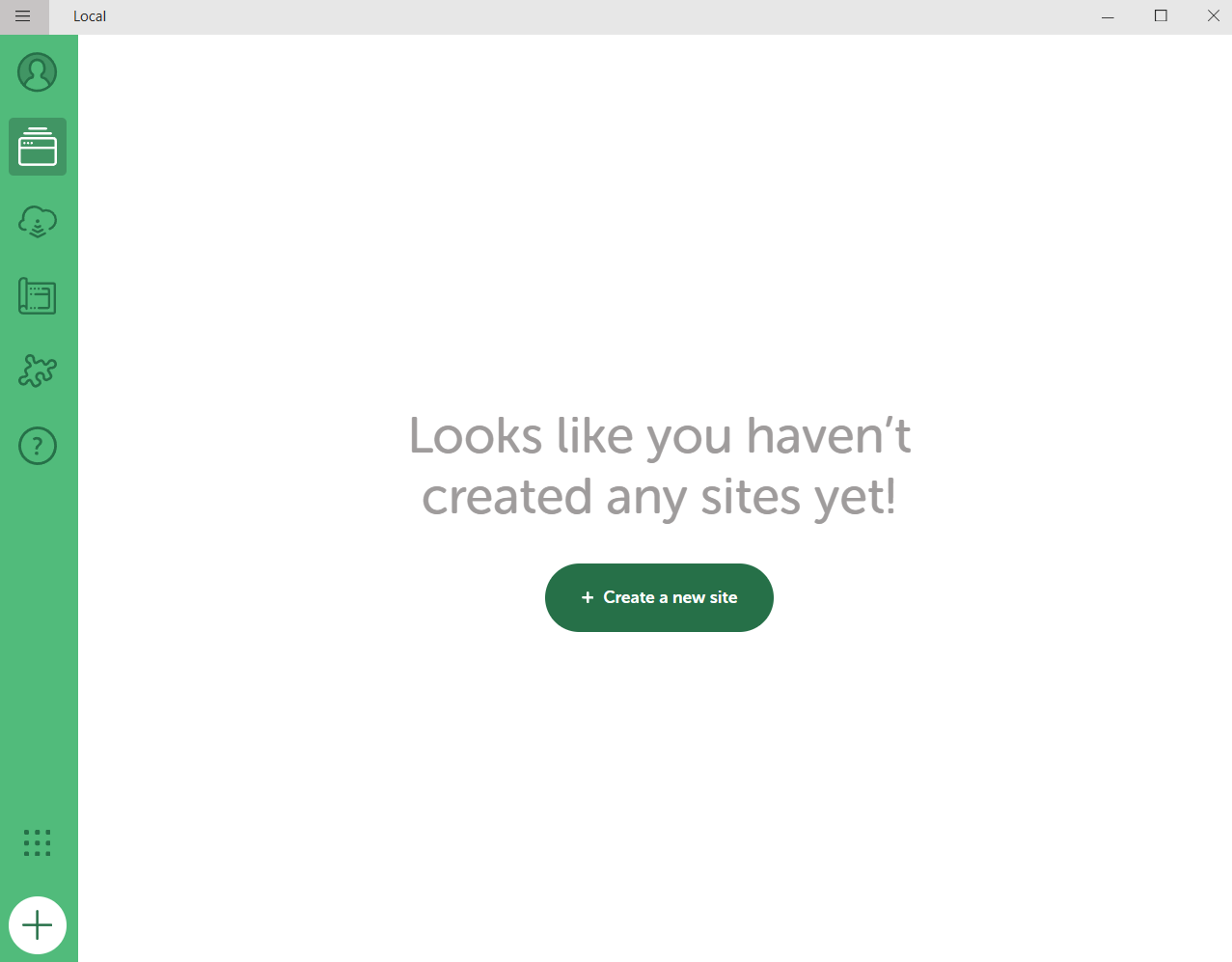
Choose "Create a new site"
Pick Create a new site. In my case I created a brand-new site because my existing website was not built on WordPress, so I had nothing to import. If you already have a WordPress site backup, the other options let you load it in.
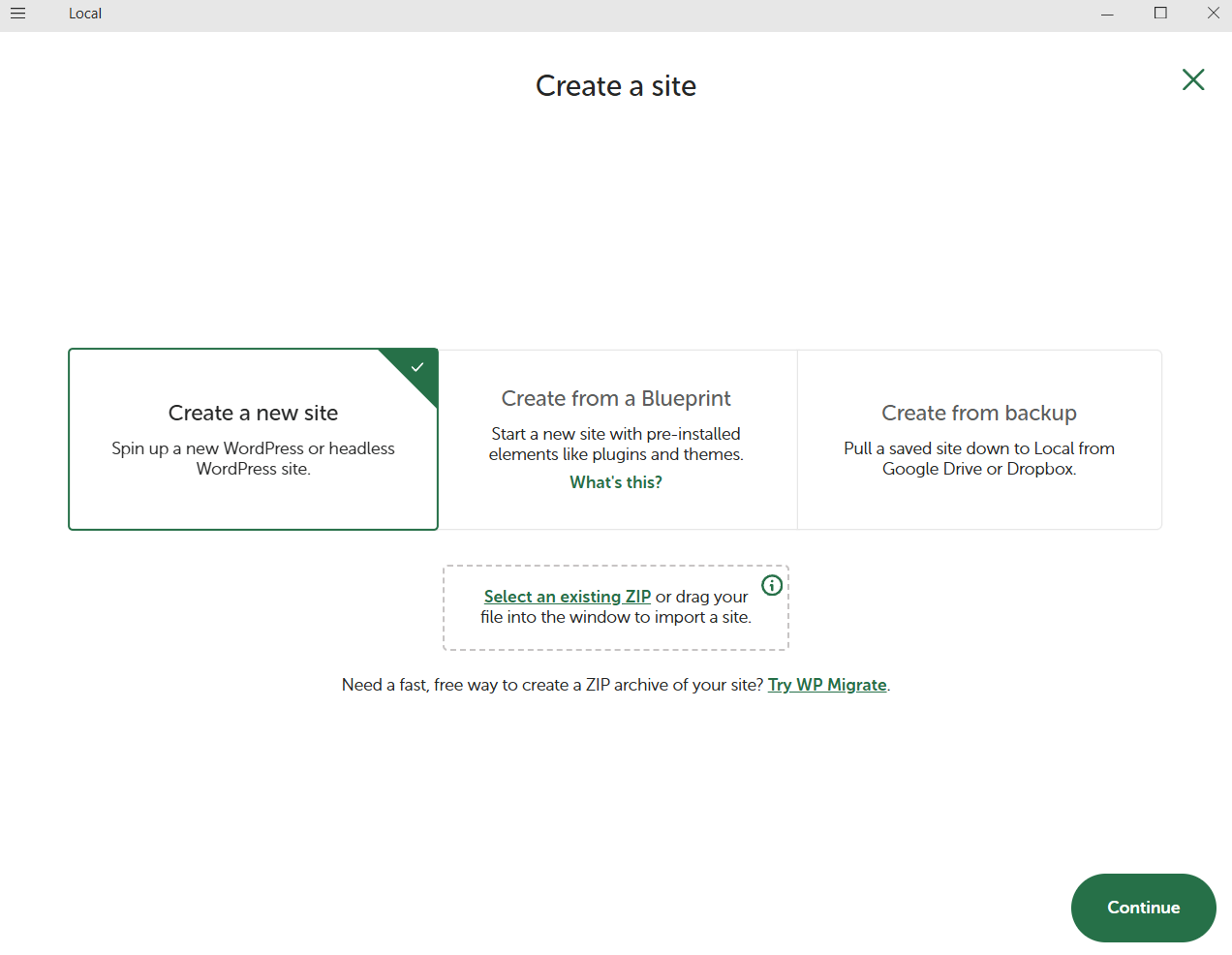
Name your site and keep the Preferred environment
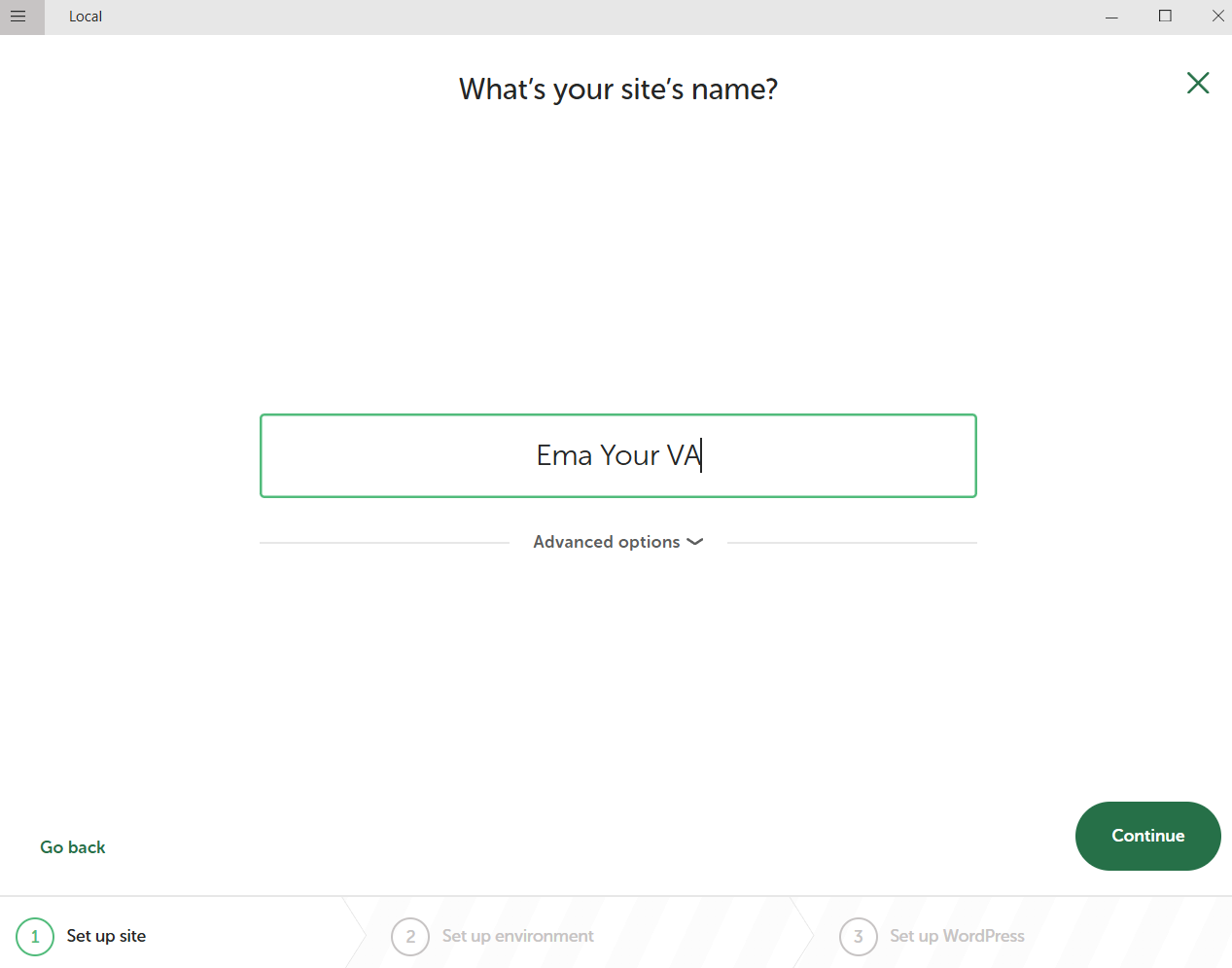
Type your site name:
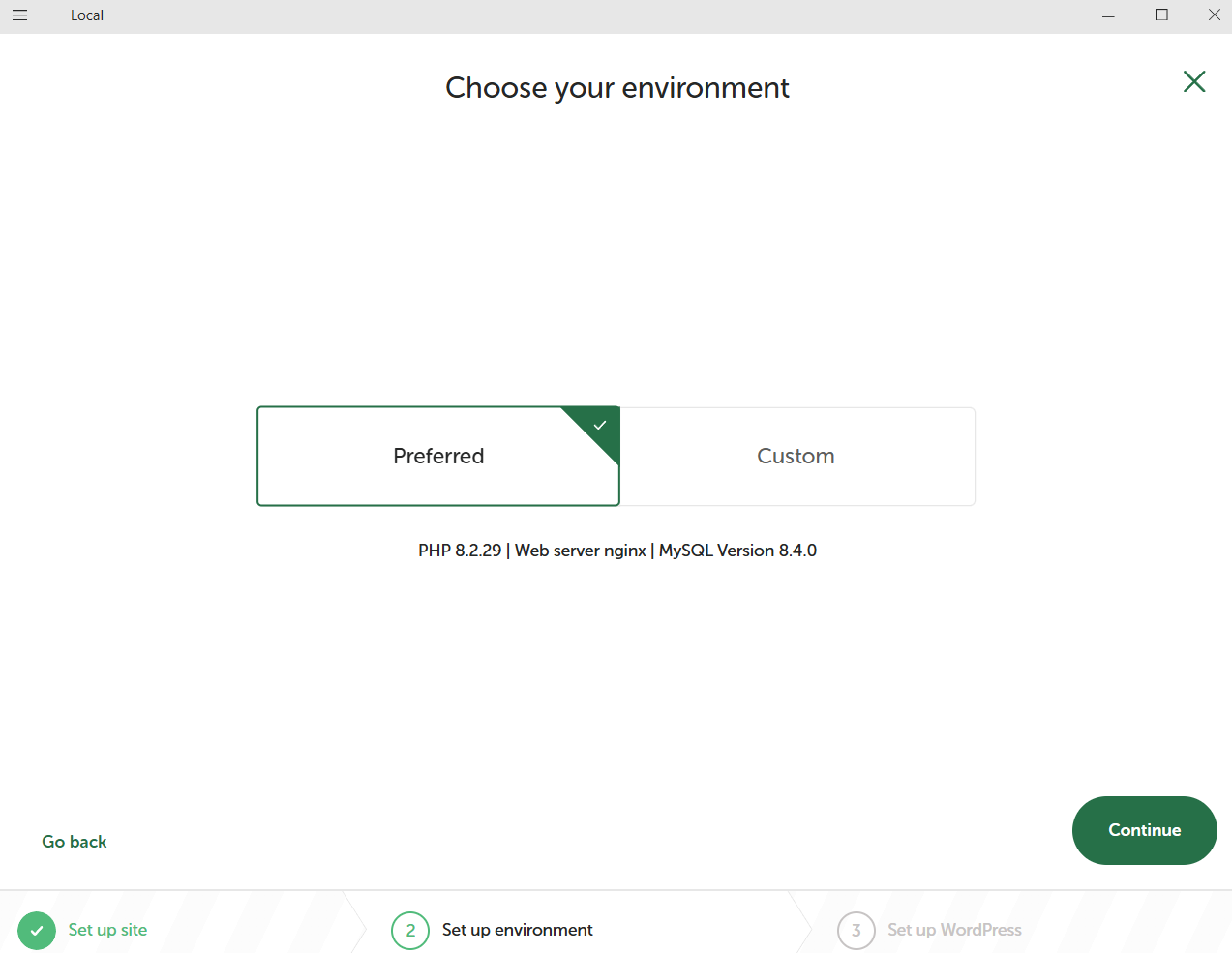
Keep the Preferred environment and continue. This just means LocalWP picks the standard, recommended setup for you.
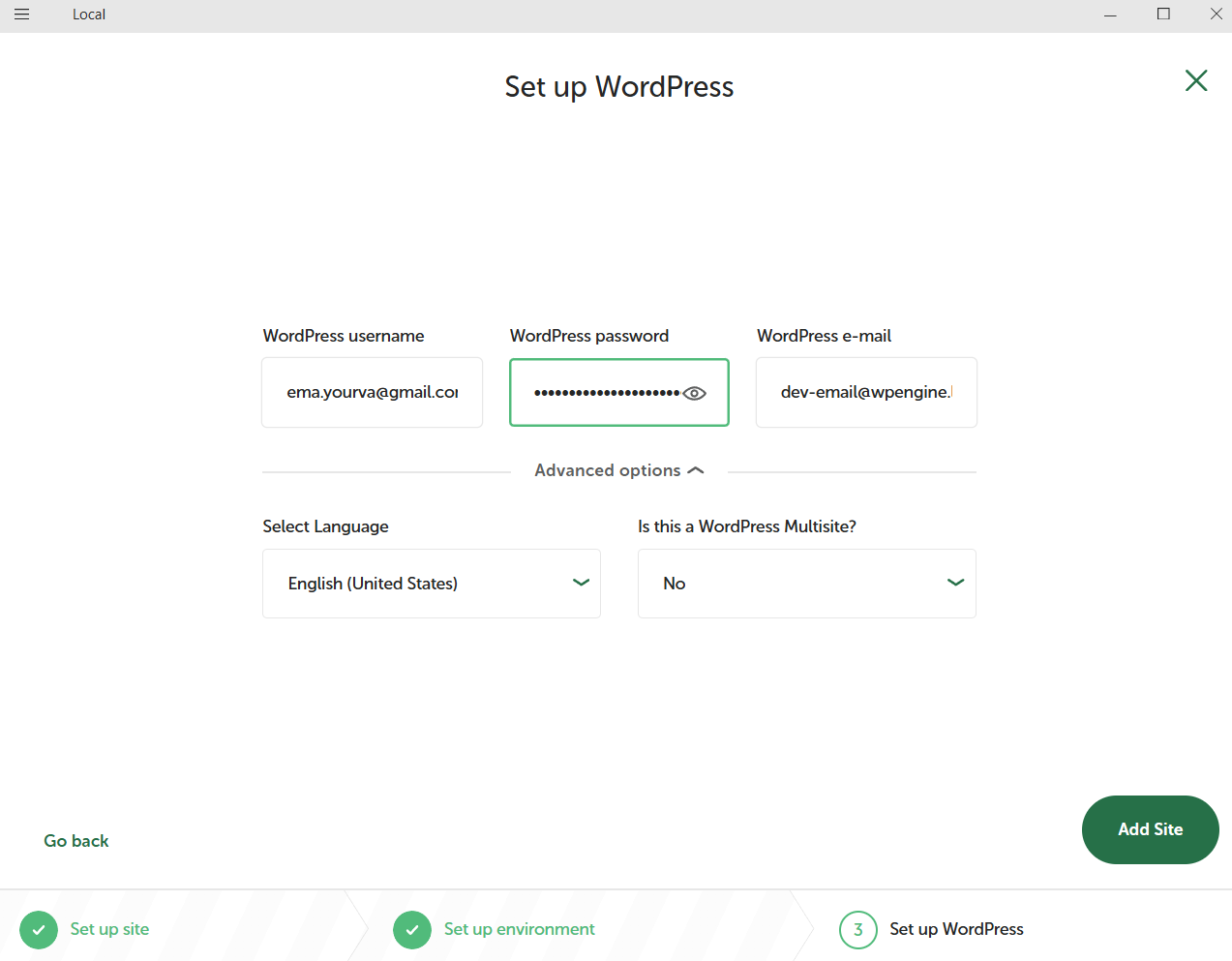
Create your WordPress login
Set your WordPress username, password, and email. These are the details you will use to log in to your site's dashboard, so save them somewhere safe. Then press Add Site.
Open your new site
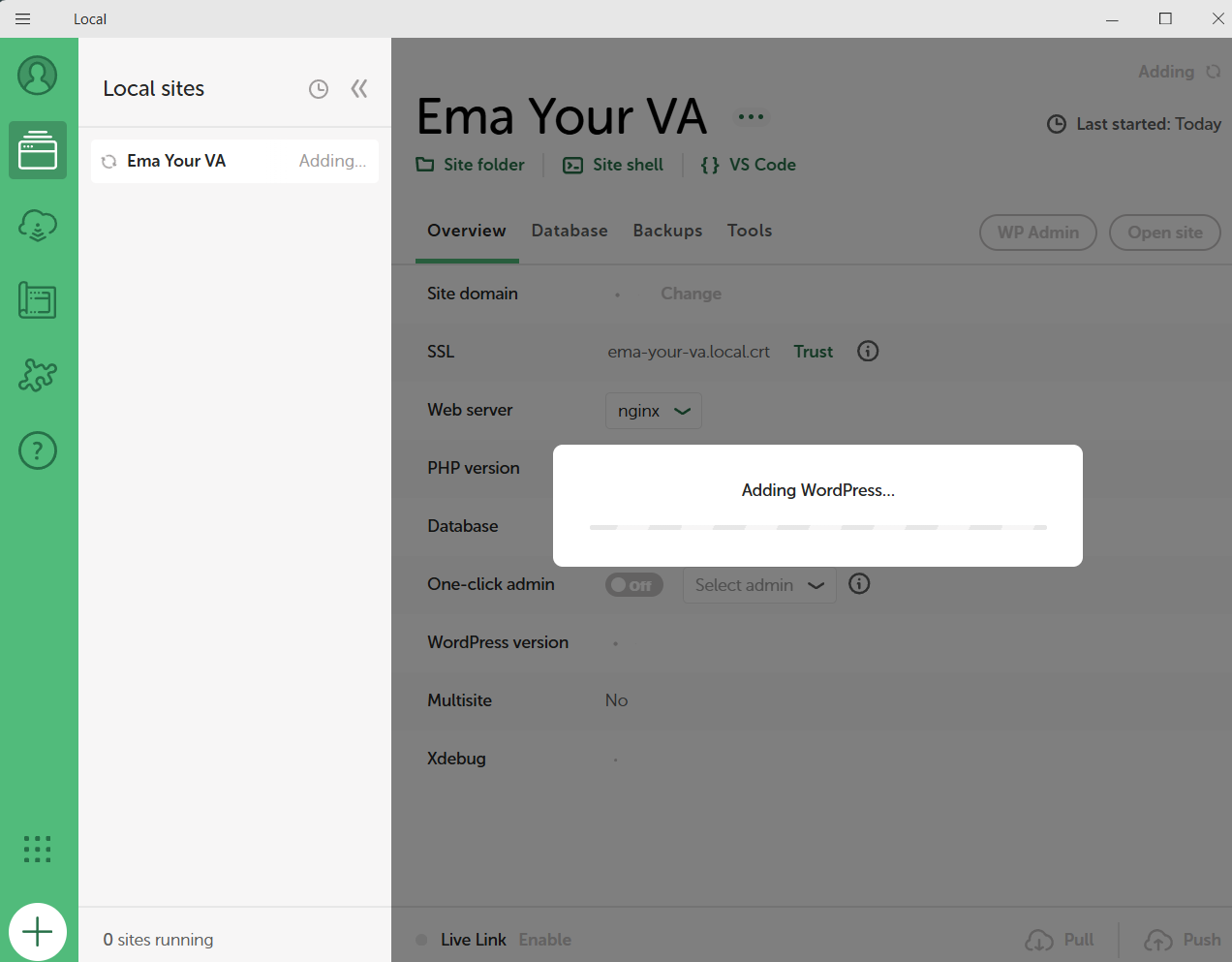
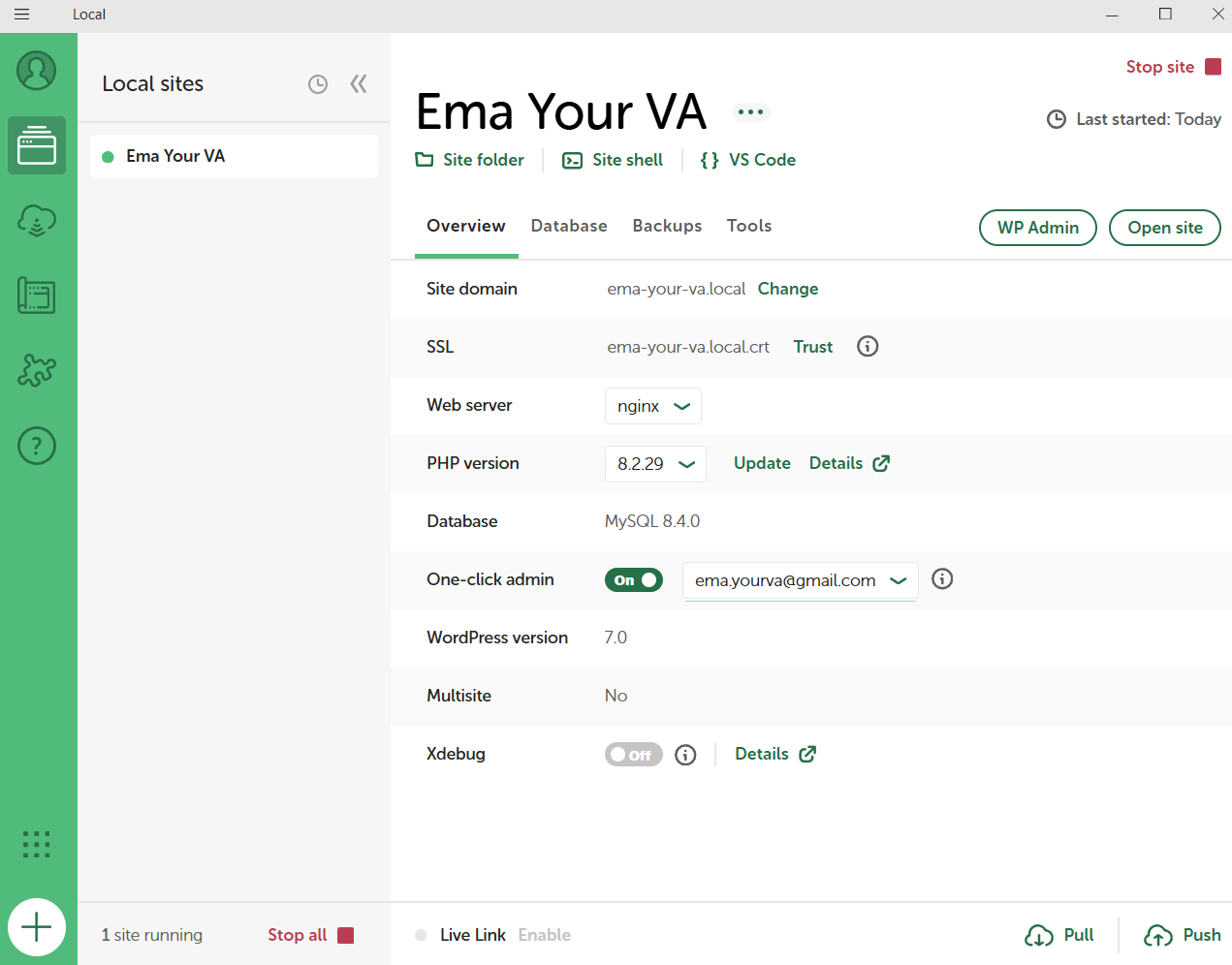
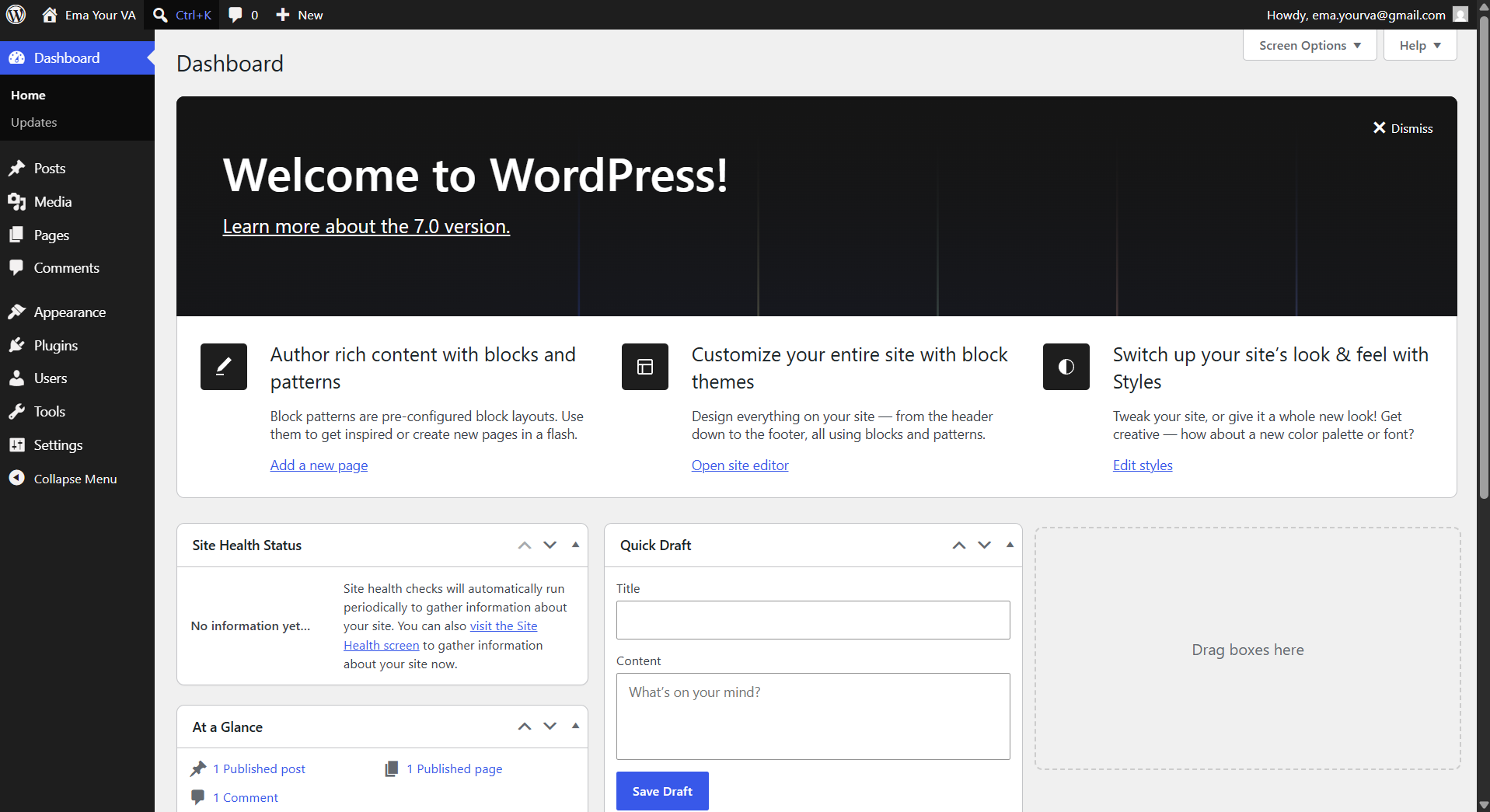
When it finishes, your site is running on your computer. Press WP Admin to open the WordPress dashboard (where you build and manage everything), or Open site to see the site itself the way a visitor would.
What's next?
- Want your forms to talk to automation tools without paying for upgrades? Read my guide: How to Connect Fluent Forms to Make.com for Free
- When you are ready to take your site live, you will need hosting and a domain. I recommend Pressable for managed WordPress hosting, or WordPress.com if you want everything handled in one place.
- Once your site is live, protect it with Jetpack (security and backups) and Akismet (spam protection). Both have free tiers.
- Need user logins or a membership area on your site? Cozmoslabs (ProfilePress) is the plugin I recommend for that.
* Affiliate links: I may earn a small commission if you sign up, at no extra cost to you.
Want this set up for you?
I build websites and automations like this for businesses every week. Starter builds from $300, delivered in days, no calls needed. Tell me what you are trying to build and I will reply within 24 to 48 hours.
Tell me what to build